


If you want to get data from the internet, API calls are a great way to do so.
In this tutorial we are using SWAPI (Star Wars API)! You can check out their website here: https://swapi.dev/
The first thing you want to do is to find out what data you want to request. For this blog my goal is to find all the names of the planets in Star Wars.
Navigate to the documentation section (https://swapi.dev/documentation), and you will find that planets are one of the resources you can request from this website.
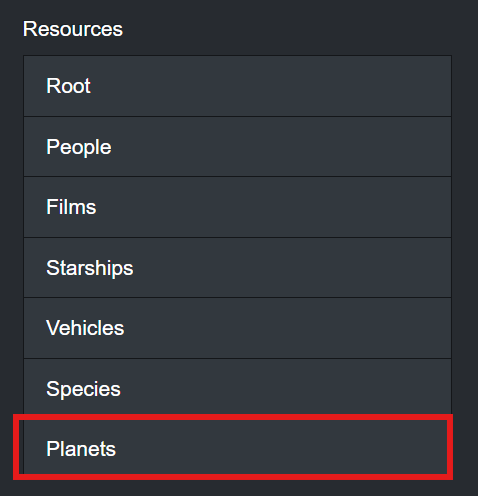
If you click on the tab it will guide you to how you can make requests about planets to this website.
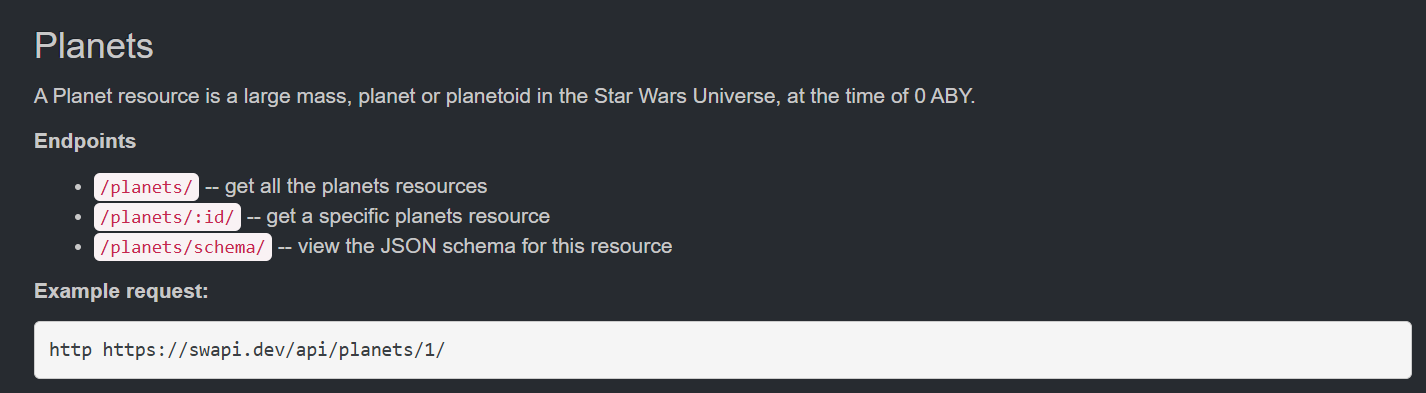
Using the guide above, we can get all the planets by sending a request to:
http https://swapi.dev/api/planets/
So lets set that up in Alteryx!
For this, we just need to set up a text input with the url of the API request destination.
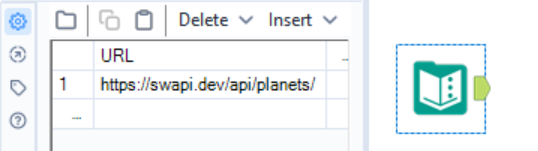
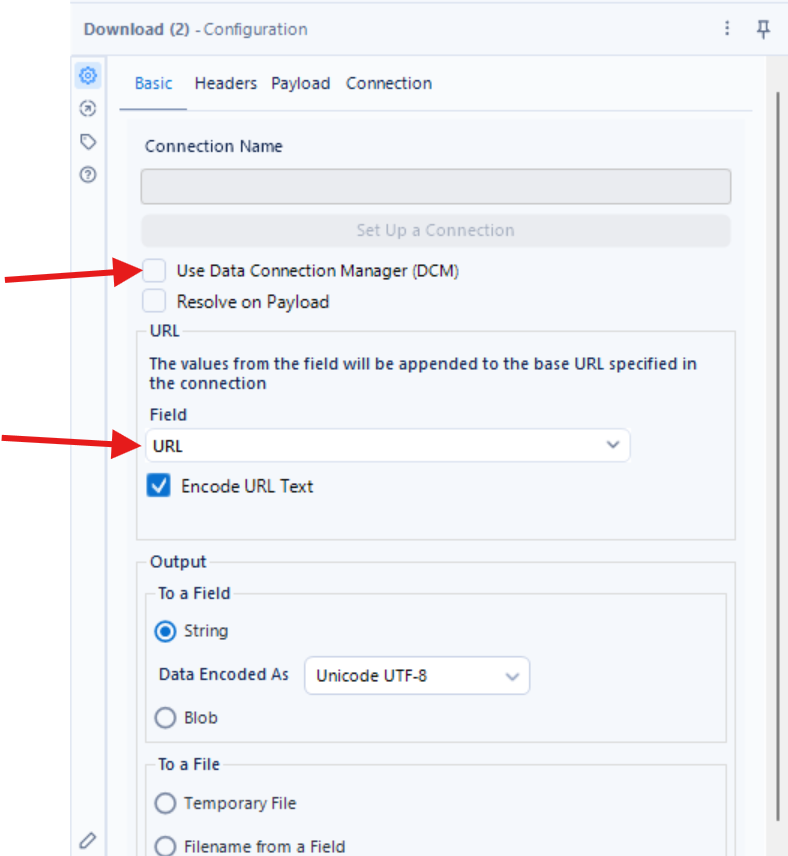
Now add a download step to the text input and 1) untick DCM, and make sure that the request is being made to the [URL] field we created in the text input.
If we run it, we see that the there are two new fields called [DownloadedData] and [DownloadedHeaders].
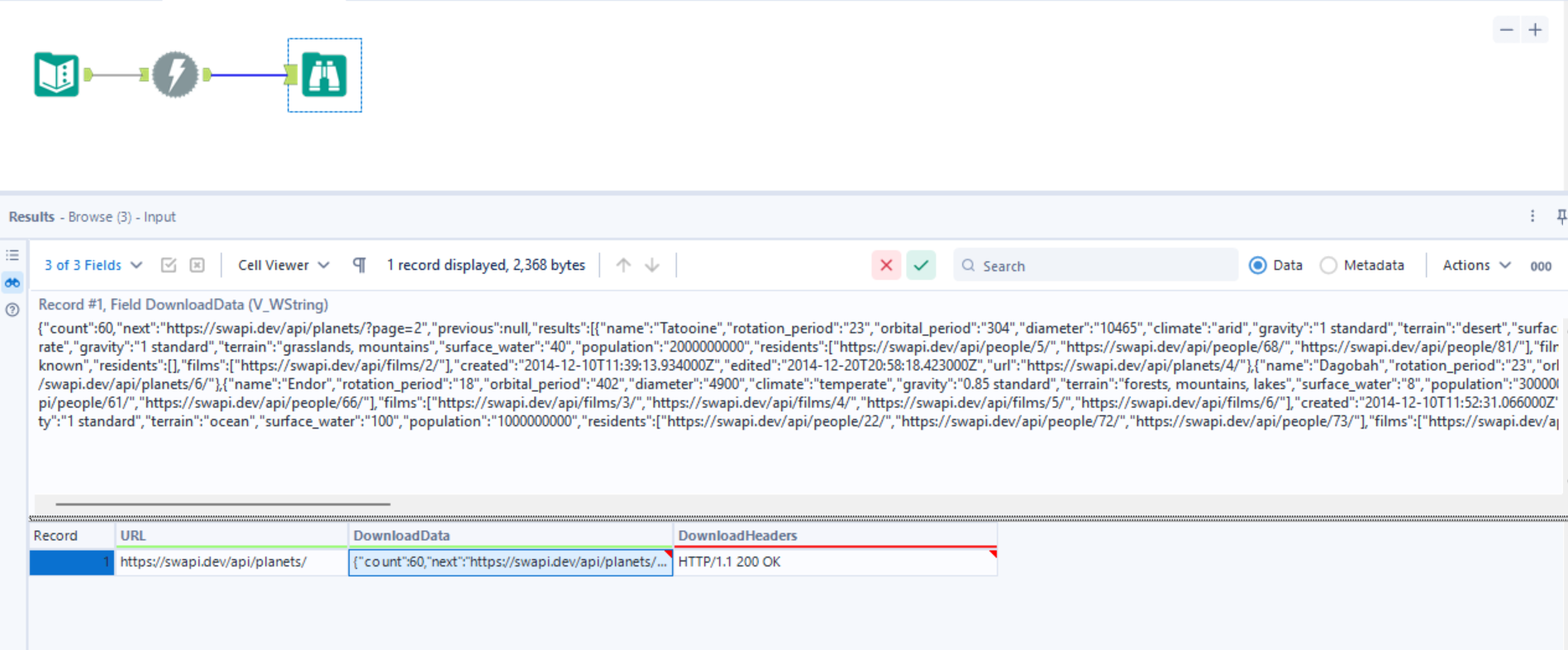
The data we want is in [DownloadData], but the contents can look confusing.
The download data - or what is returned from the API request - is an JSON response.
SWAPI provides these documentation for the example response and attribute, which we see that it matches the response we got.
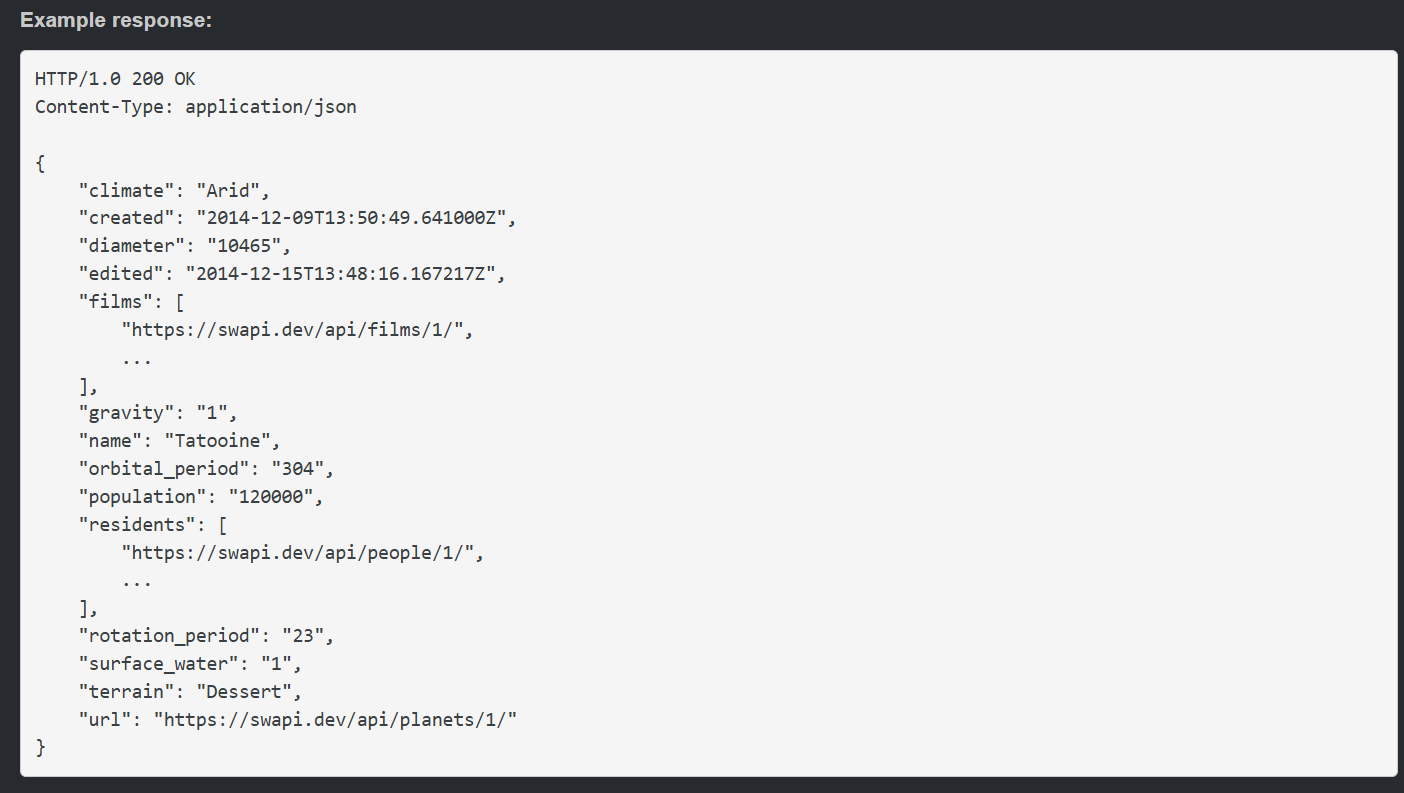
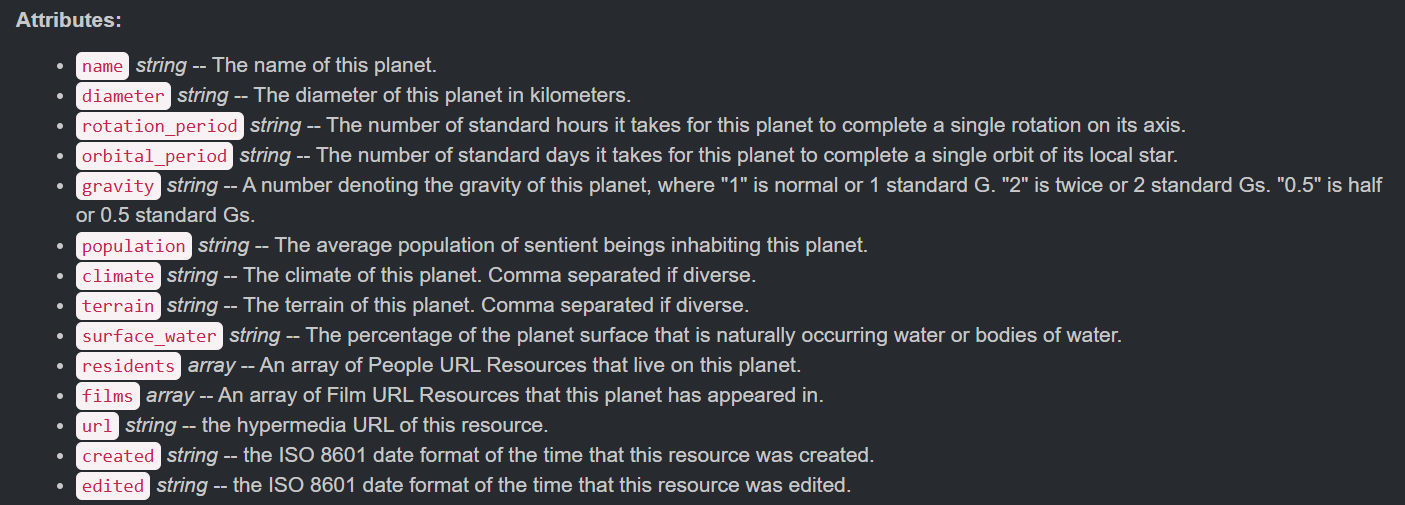
For this blog our goal is to find the names of the planets, so let's try to extract just the names of the planets from this JSON response.
Alteryx has a tool called "JSON Parse" which is incredibly helpful for this step.
For now, all you need to do to set up your JSON Parse tool is to specify which field our JSON response lives in - which is DownloadData.
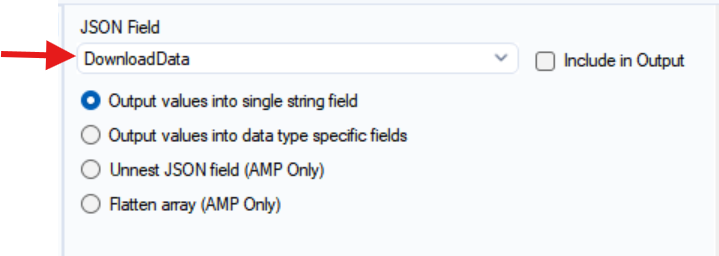
You can see that the JSON Parse step makes the JSON response into a very neat table format, where there is a row for each attribute.
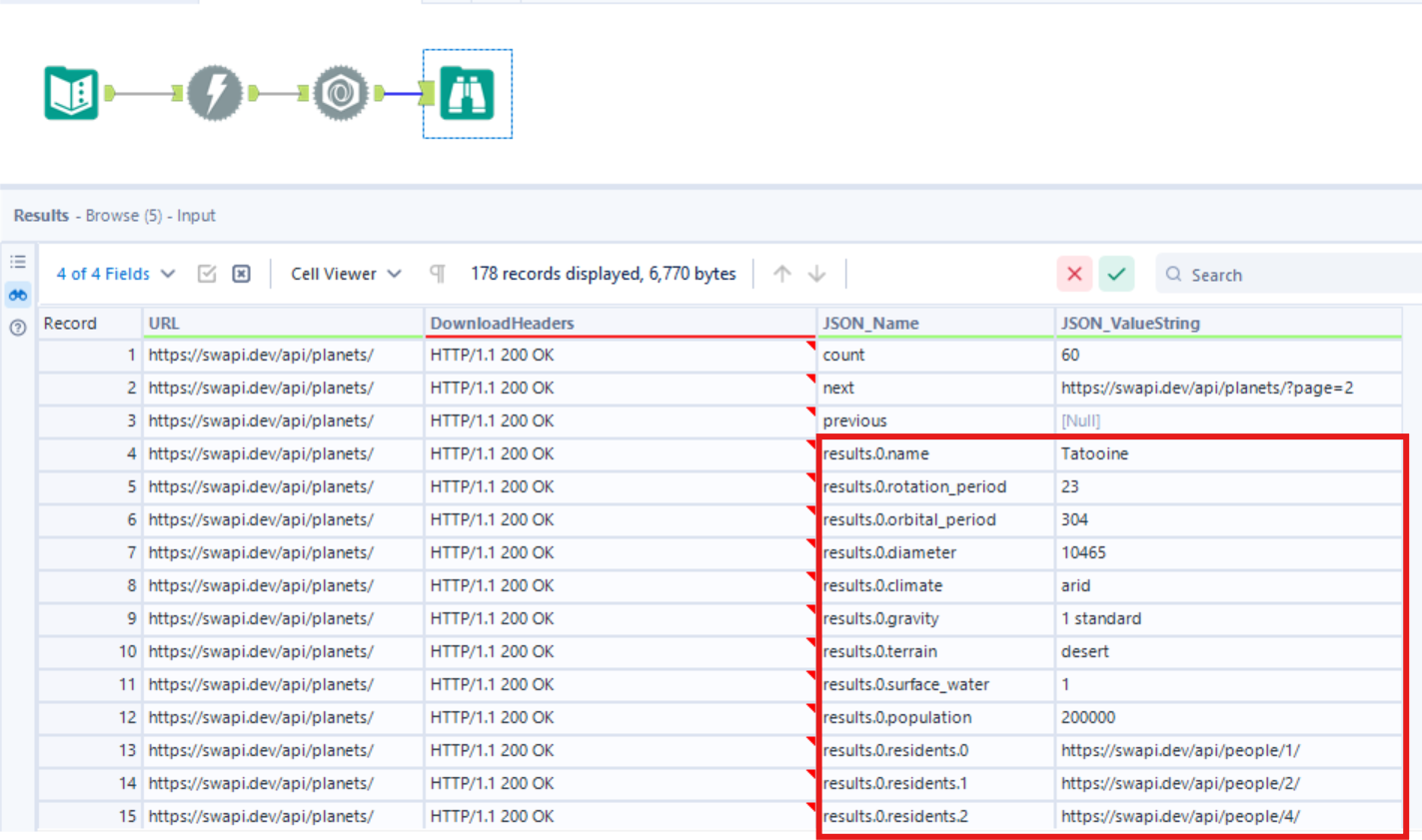
Because there are many planets in star wars, the JSON response gave information like the name, climate, and diameter for a list of planets. In [JSON_Name], we can see that "results.0.name" is one of the values, and on the same row the value for [JSON_ValueString] is "Tatooine". This means that the first planet from the returned list is named Tatooine. Thus, "results.0.name", "result.1.name", result.2.name"... and so on will give us the names of all of the planets!
So what's left is just extracting that information.
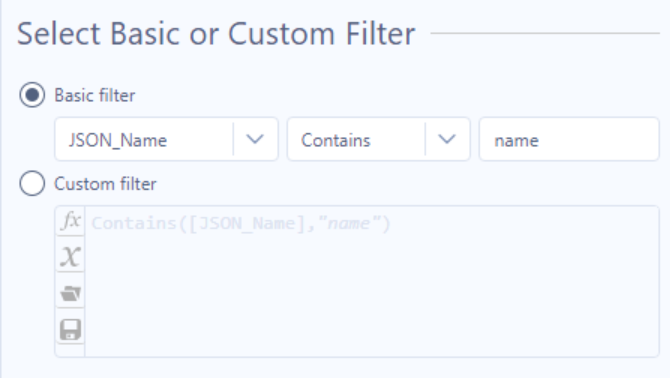
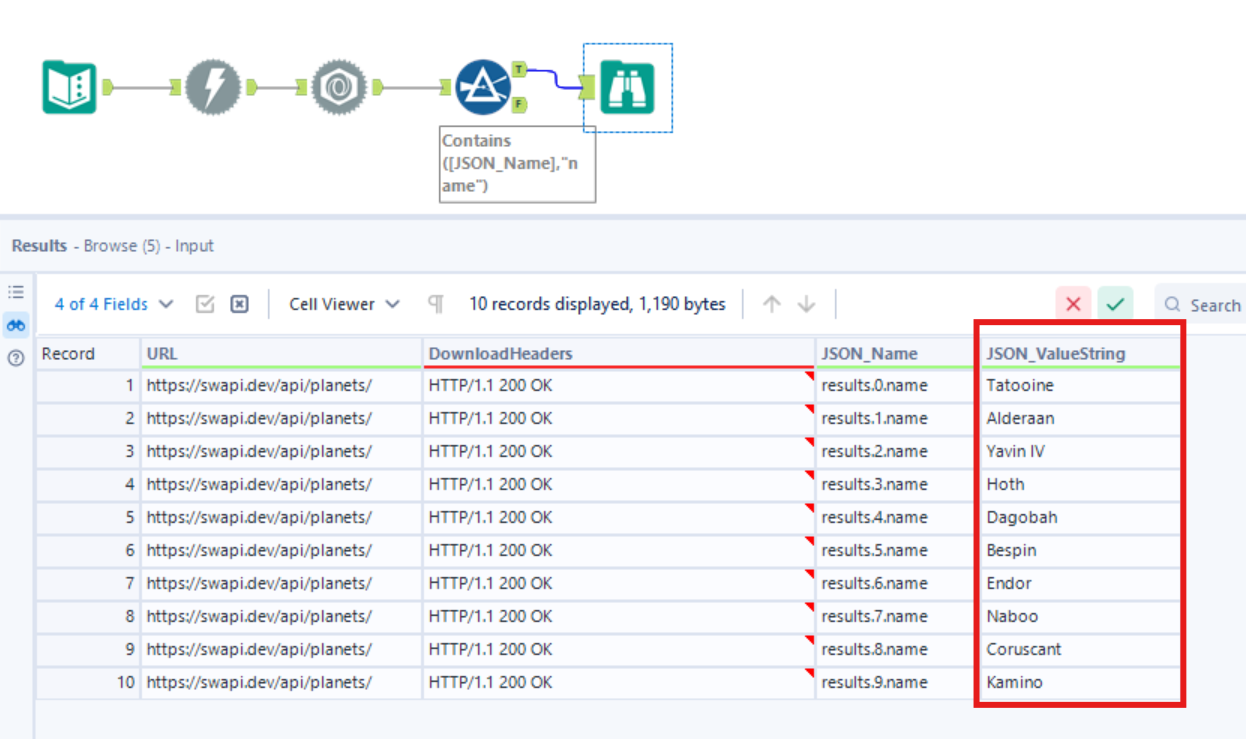
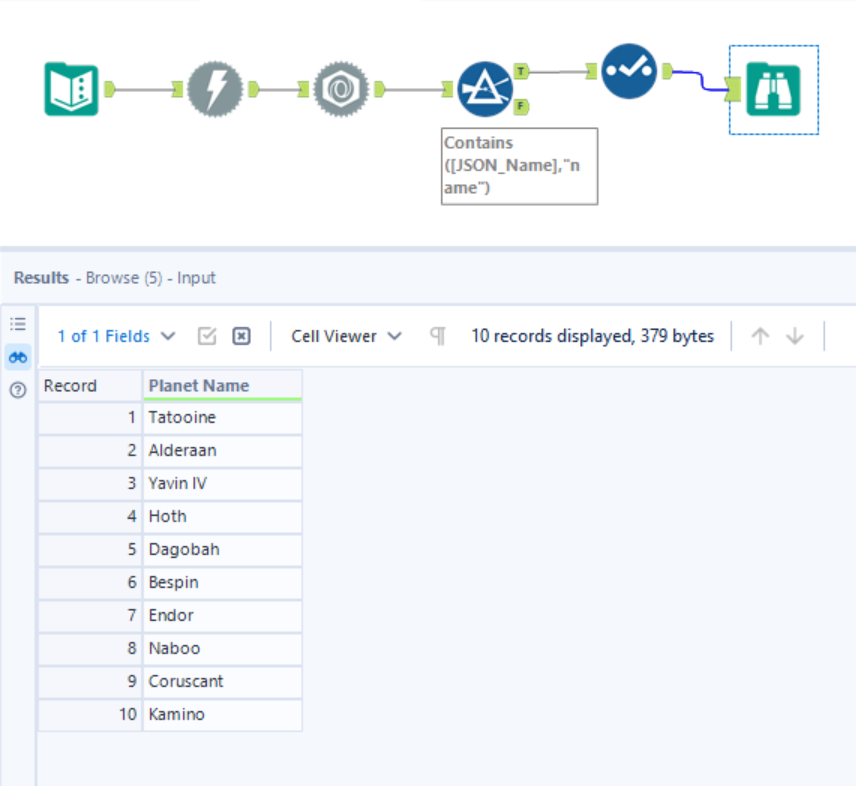
If I just add a new filter step to only keep rows where [JSON_Name] contains "name":
Then the results are just the names of the planets!
You can add a Select step to clean up the table like so:
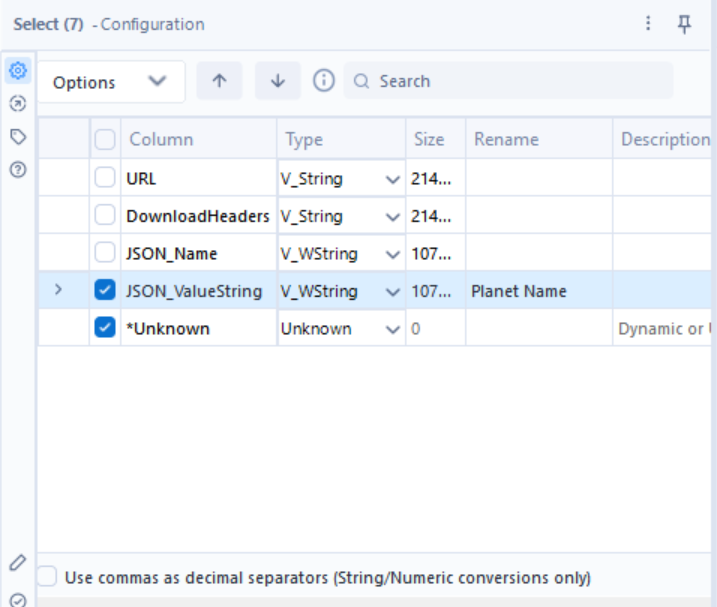
And the final result will just be a list of all the planets in Star Wars!
Hopefully you can see how helpful Alteryx can be in making API calls and handling JSON responses - and now you can grab data from the web!