


There are a couple pre-requisites we need:
- A Total Sales Calc
- A Date Parameter
- A Basic Table
Total Profit Calc

A Date Parameter
- We need a new Date Table as the Order Date in this dataset has missing dates

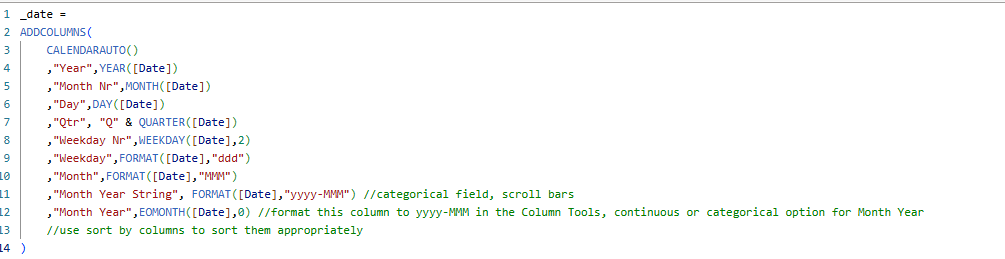
Add this date to a slicer
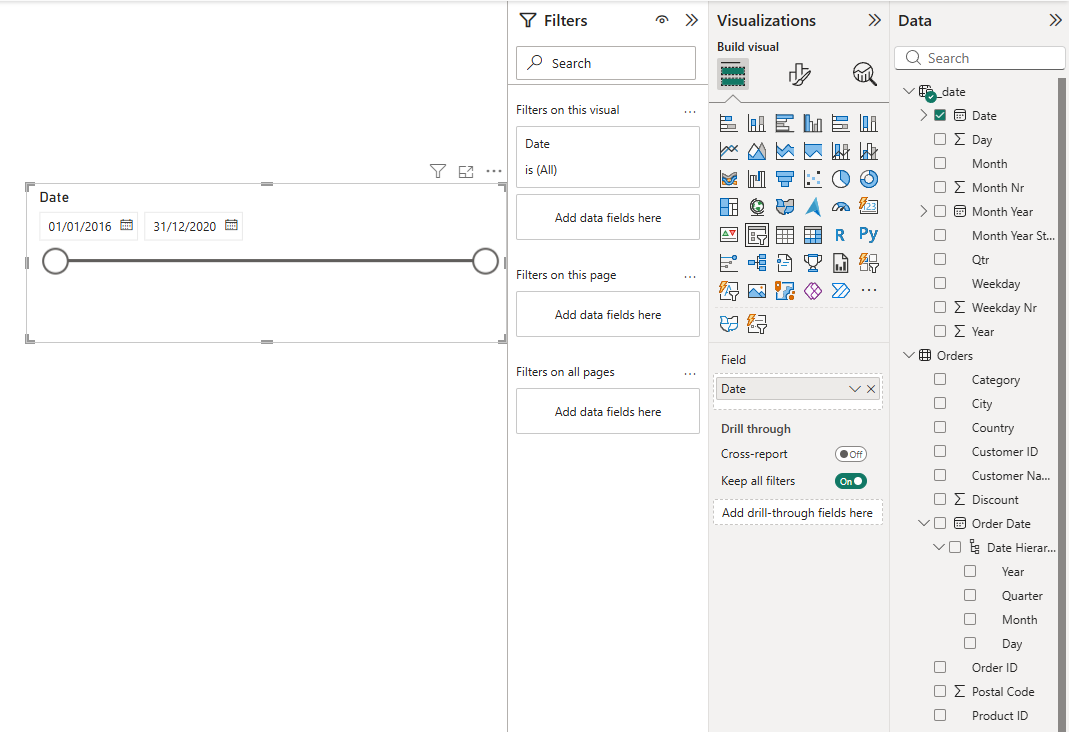
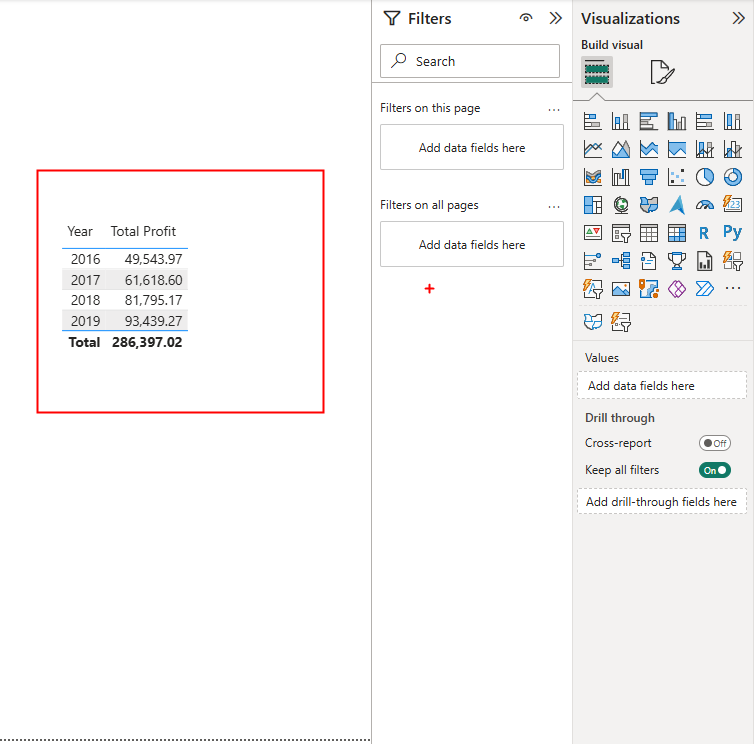
A Basic Table
YTD
Create a New measure on the table you are using
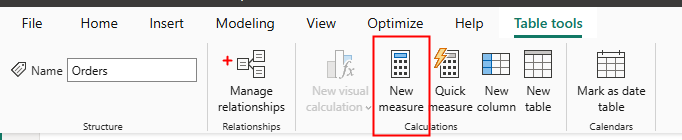
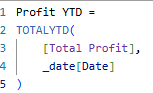
This uses the function 'Total YTD' which is pretty self explanatory, then we use the date table we created. This finds the profit for the end year to date set on the slicer.
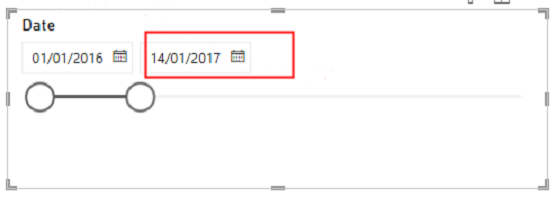
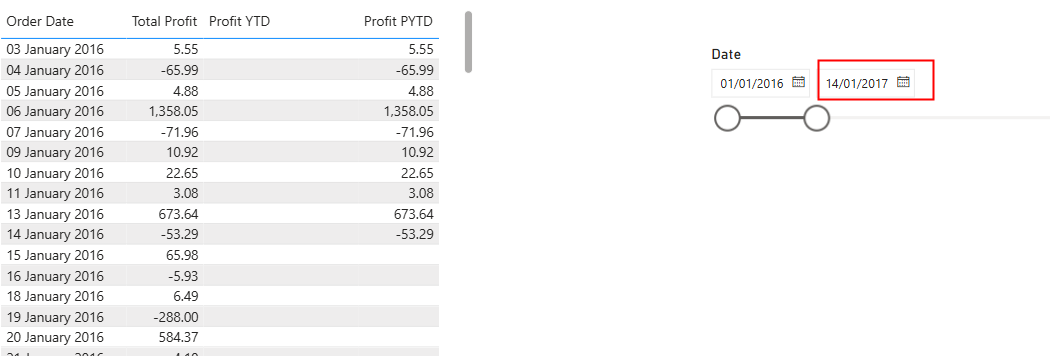
So if I set my slicer to 14/01/2017, this is returned:
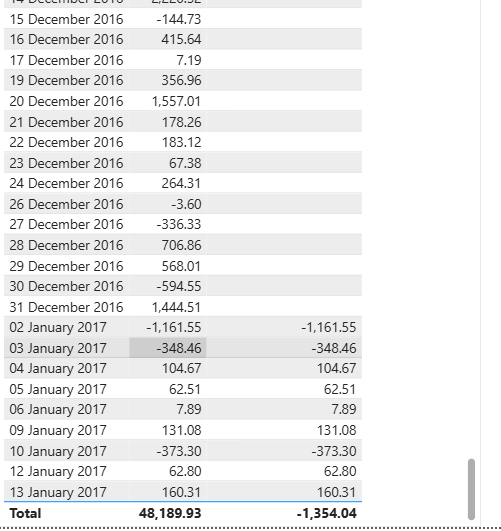
For Previous YTD
We need to use the profit YTD measure we created and then use a calculate function
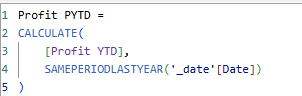
An alternative is to use the Dateadd function
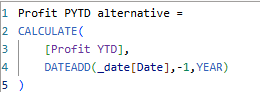
Allows for more control as now you can do the YTD vs 2 years ago year to date.
Drag this as a column on the table
Next up, CY vs PY!