


I recently built a Tableau dashboard about Dolly Parton covers. One of the interactions I wanted was a video player so users could click a song title and hear the song.
Simple in theory. In practice, getting a YouTube video to play inside a Tableau Public dashboard turned into a small lesson in browser security, embeds, and the usefulness of having a tiny webpage you control.
The problem
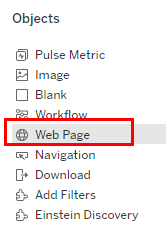
Tableau has a Web Page object that can display a URL inside a dashboard. I already had direct YouTube links in my data, so my first thought was to send the selected song straight to the Web Page object.
A normal YouTube URL looks like this:
https://www.youtube.com/watch?v=wOwblaKmyVw
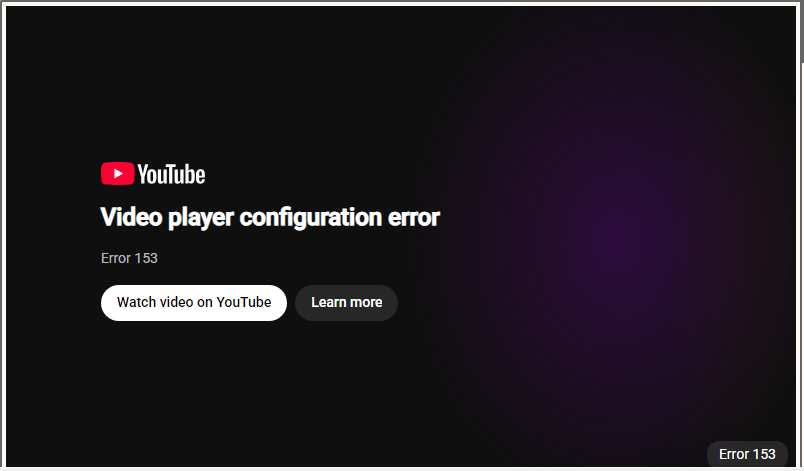
This worked in Tableau Desktop. Then I published the dashboard to Tableau Public and suddenly it refused to connect.
The normal YouTube watch page doesn't want to be loaded inside the iframe Tableau Public uses for Web Page objects.
The workaround: put a tiny webpage in the middle
Instead of asking Tableau to embed YouTube directly, I created a tiny webpage that does it for me.
The flow became:
- Tableau loads my webpage hosted using Git Pages
- My webpage reads the YouTube video ID from the URL.
- Then the webpage creates the YouTube embed.
That tiny intermediate page was enough to make the whole thing work.
Step 1: Create a GitHub repository
I created a public GitHub repository called dolly-player
Inside it, I created one file:
The important bit is this:
const params = new URLSearchParams(window.location.search);
const videoId = params.get("v");
The page looks for a parameter called v.
So this:
https://ssgrasland.github.io/dolly-player/?v=wOwblaKmyVw
extracts:
wOwblaKmyVw
and turns it into:
https://www.youtube.com/embed/wOwblaKmyVw
The difference is that my GitHub page is embedding YouTube, rather than Tableau Public trying to embed YouTube itself.
Step 2: Turn on GitHub Pages
GitHub host the page for free.
In the GitHub repository:
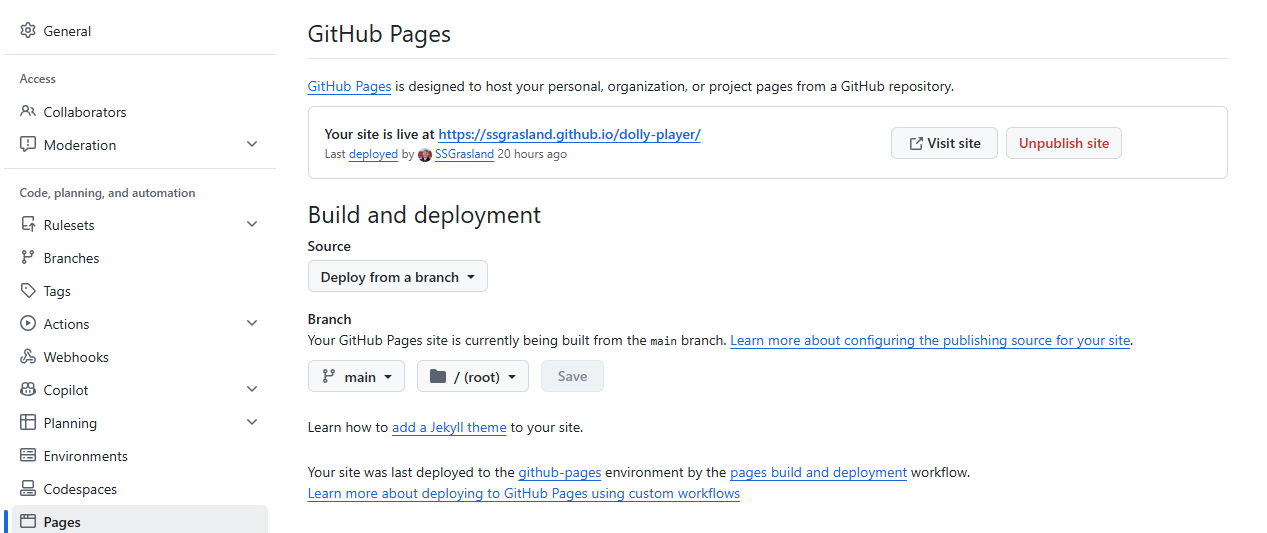
Settings → Pages
Adjust the source and branch as below:
Step 3: Store the YouTube video ID in Tableau
My data already had a field containing the YouTube video ID: cover_youtube_video_id
For example:
Then I created a Tableau calculated field:
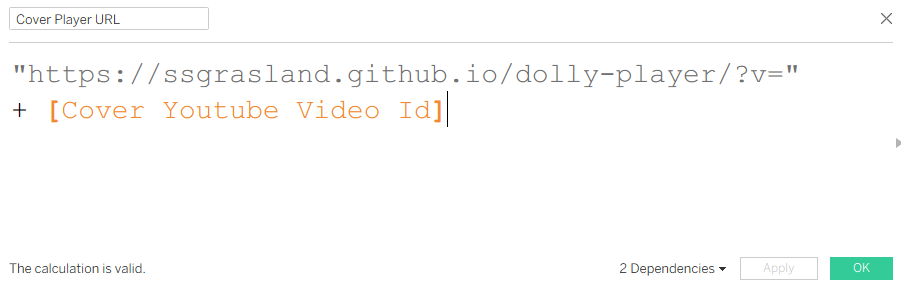
So selecting Miley Cyrus dynamically produces:
https://ssgrasland.github.io/dolly-player/?v=wOwblaKmyVw
Step 4: Send the selected artist to the Web Page object
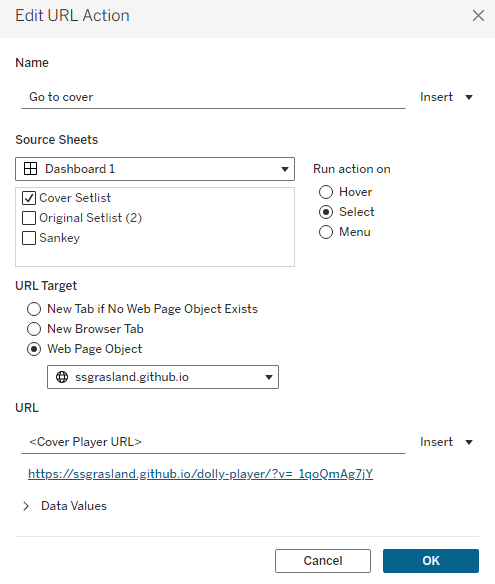
I added a Web Page object to the Tableau dashboard then set up the dashboard action. Now clicking a cover artist updates the player immediately.
Why this works
The important realization was that Tableau didn't need to be the thing embedding YouTube. It only needed to embed a webpage I controlled. GitHub Pages handled the webpage. The webpage handled YouTube.And Tableau only had to change one URL parameter.
Any time Tableau's Web Page object runs into an embed restriction, a lightweight wrapper like this may give you more control over what actually gets rendered.