


If you have a GitHub profile and are practicing in LeetCode, a great way to show off your LeetCode skills is by uploading your solutions to your GitHub. Many people just copy and paste their solutions into a repo, but what if there was a way to automatically upload your solutions to GitHub?
With a Chrome Extension called LeetSync, you can do just that. Here's how to set it up in a few minutes.
You'll Need
- A LeetCode account
- A GitHub account
- A Chrome browser (for the extension)
Step 1: Create a GitHub Repository
Go to GitHub, and navigate to the top right. Click the '+' dropdown, and create a new repo to hold all your leetcode solutions.
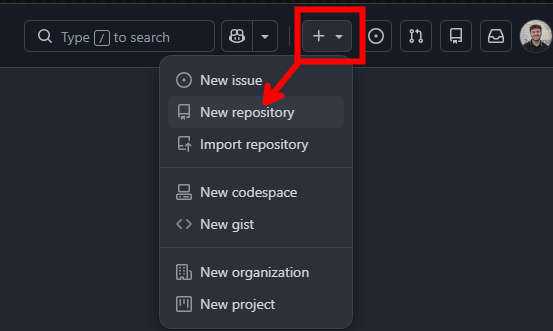
This menu should then pop up. I named my repo 'leetcode'. Make sure you include a readme so the repo isn't empty, and you can use it to describe your progress. Also, keep the repo public so others can see.
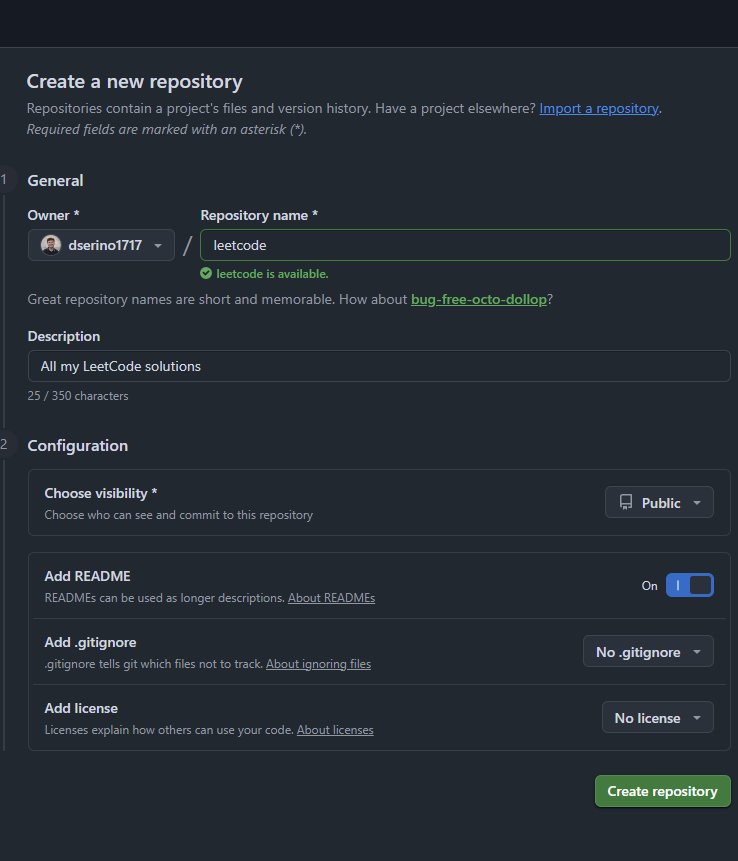
Click 'Create repository', and now you have a place to store your solutions.
Step 2: Install LeetSync
Making sure your on Google Chrome, go to the chrome web store and search 'LeetSync', or click this link. It should lead you here:
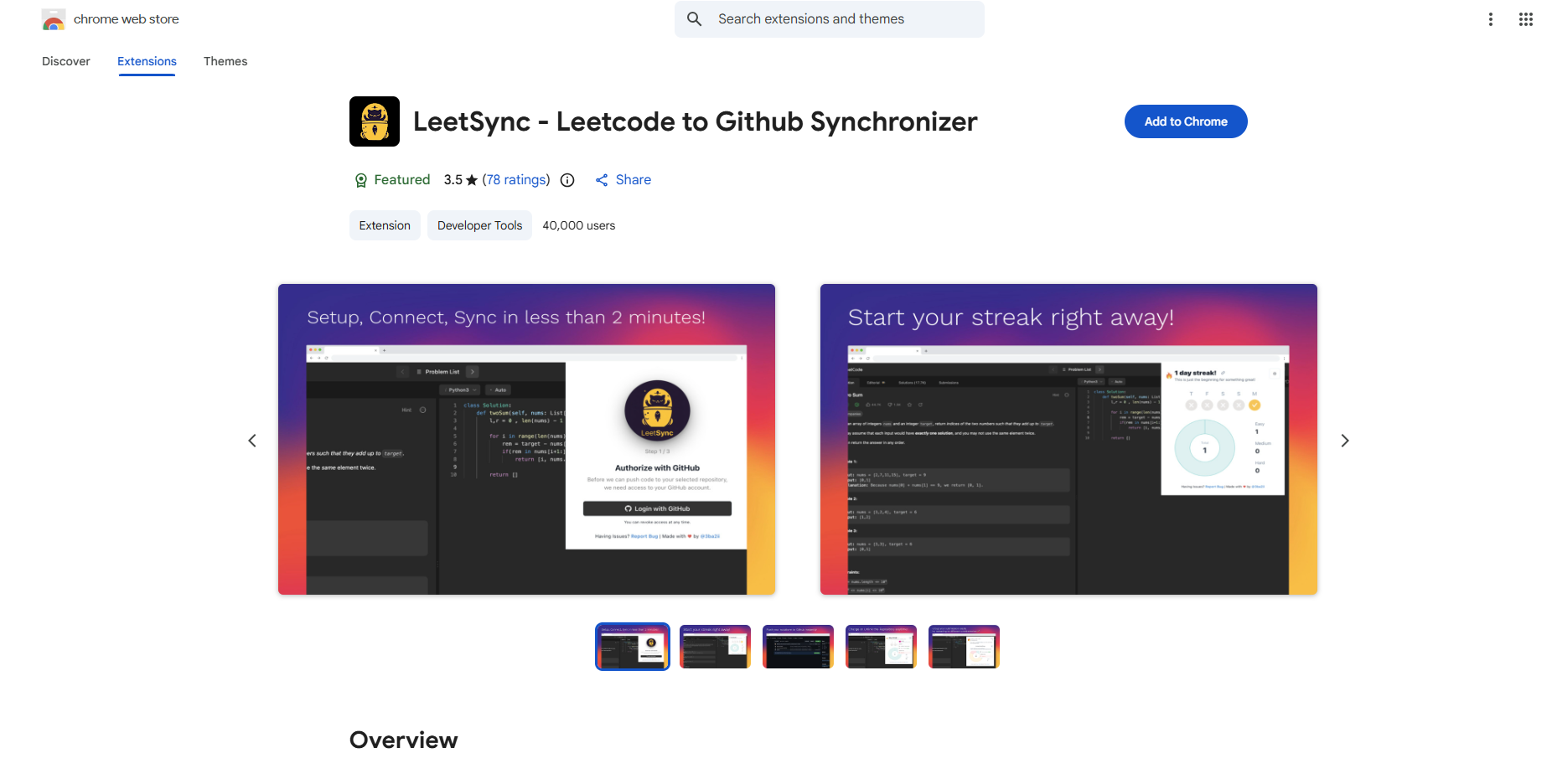
Once on that page, click 'Add to Chrome', and 'Add extension' on the pop-up.
Then in the top right of your chrome browser, click the extensions icon (a puzzle piece) and pin LeetSync to your toolbar for easy access.
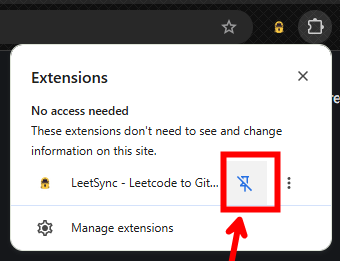
Step 3: Connect Github and LeetCode
Click the LeetSync icon in your toolbar.
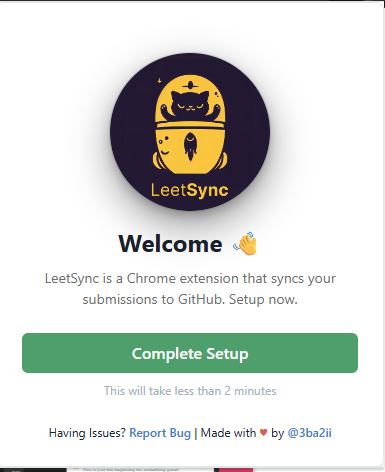
Then, press 'Complete Setup' and choose to login with Github.
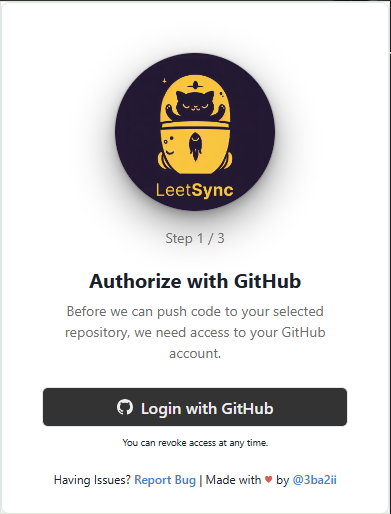
It will then take you to GitHub and prompt you to sign in. Once you sign in, click 'Authorize extension' to allow the connection between LeetCode and GitHub.
After this, you need to choose the repo you created in step 1 as the sync destination. So, navigate to that repo, and copy the URL in your browser.
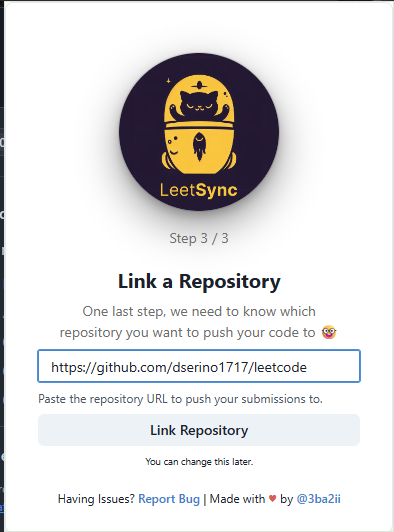
Next, open up LeetSync in your toolbar again, paste the repo URL into the repository URL textbox, and click 'Link Repository'. Now the repo is linked to your LeetCode!
Step 4: Solve a Problem and Submit
Pick any LeetCode problem, or one you've done already, and hit Submit to test it. When the solution is accepted, LeetSync automatically creates a file in your repo. If you resubmit the same problem, it updates the existing file as well. Open your repo and it should be there.
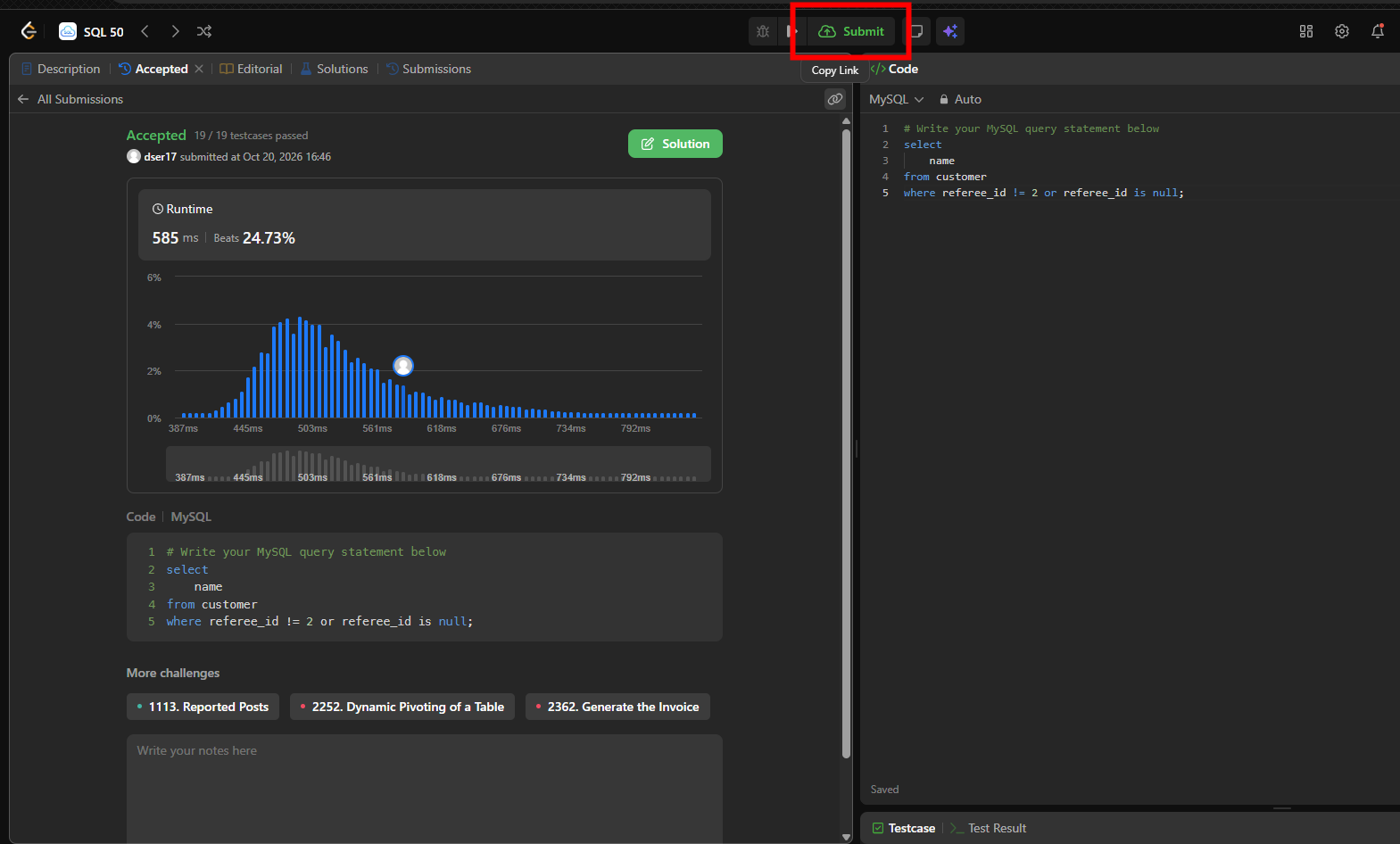
I picked a simple SQL problem. After pressing submit, I went to my repo and now the solution folder is there.
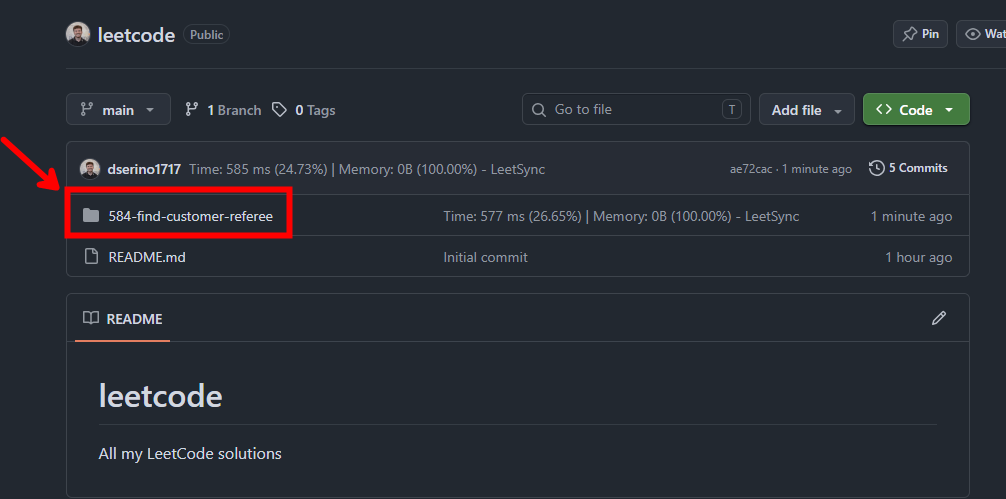
And that's how to automatically link your LeetCode solutions to a GitHub repository!