


From the perspective of a data analyst, tables and views can seem interchangeable. Tables and views share the following traits:
- They're stored in a data warehouse
- You can query them with SQL
selectstatements - You can use them to build dashboards and perform other kinds of analyses
To data engineers, they're actually pretty different. The short explanation of the difference is that tables store the actual data while views store a query that references a table or tables that already exist in the warehouse. To illustrate this difference and its implications, I'll create tables and views in Snowflake using SQL.
Snowflake demo
Creating the source table
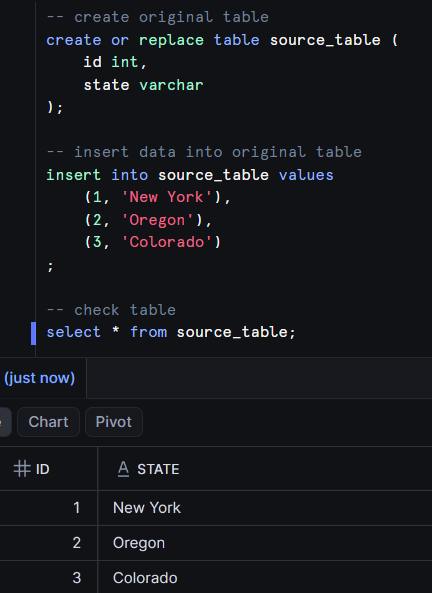
My first step is to create a table containing three rows of data. Later on, I'll build a table and view by selecting from this table.
Creating the view
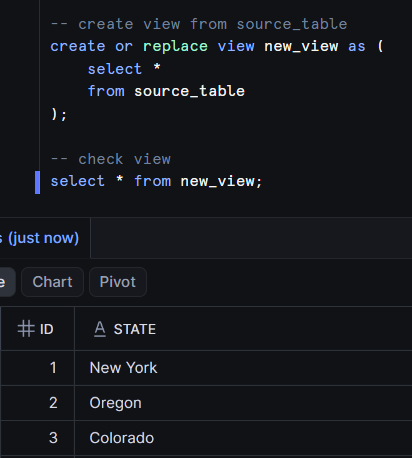
Next I create the view by selecting all the data from the source table. Note how querying it works exactly the same way as with a table.
Creating the second table
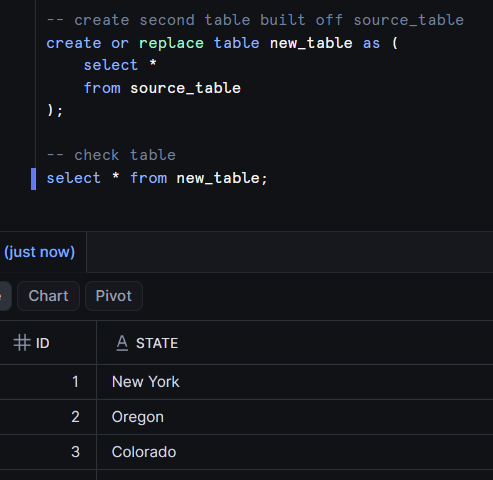
I'll then do the same with another table.
Changing the source table
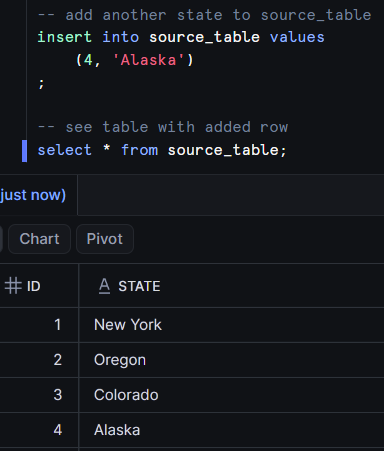
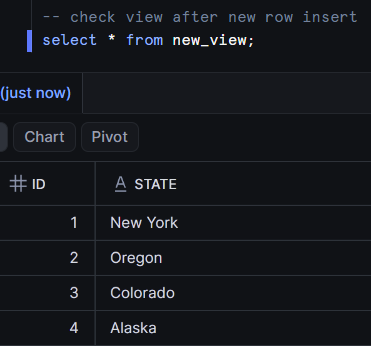
Since views are just saved queries and don't actually store data, they don't need to be rebuilt or altered in any way to reflect changes in the underlying data. Here I'm going to insert a new row of data into the source table (on which both new_view and new_table were built).
Watch what happens when I query new_view...
...and when I query new_table.
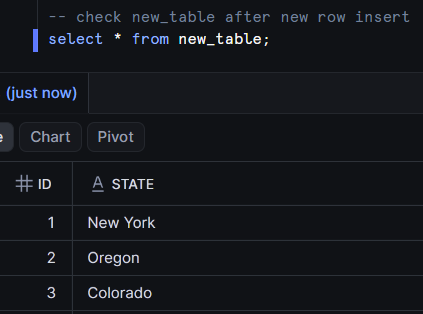
new_view has the latest data but new_table doesn't. Why is that? It's because views don't store data; they only store a query. That underlying query is run every time someone queries the view, meaning that views are always as up-to-date as their underlying tables.
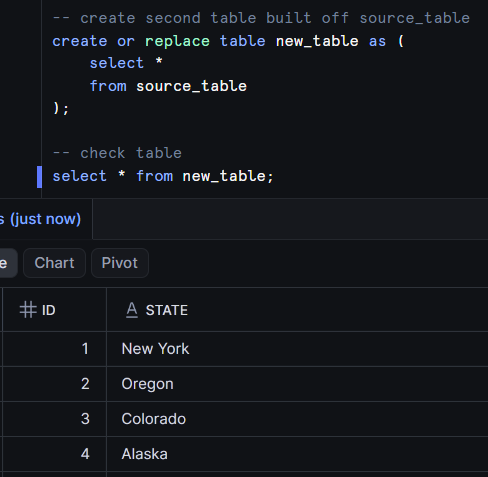
The same isn't true for tables. When new_table was created, it stored all the data from the query used to create it independently of source_table. In order to ensure new_table has the latest data, we need to either rebuild the table or insert the new rows into it. Here's how it looks when I rebuild the table using the same SQL I used to initially create it.
To really hammer this point home, watch what happens when I drop source_table.
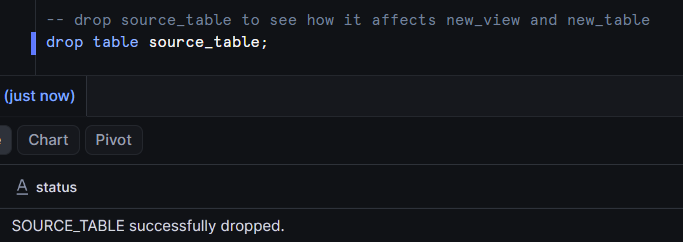
new_table still works exactly as it did before.
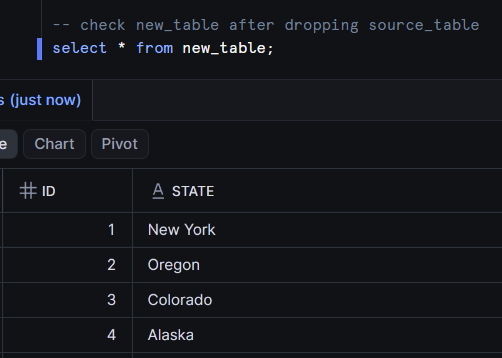
But new_view doesn't work at all. It's trying to run the underlying query (select * from source_table) but source_table doesn't exist so the view has no meaning.

Advantages and disadvantages
Why you'd use a view
- Store less data - Storing a query consumes much less storage than storing the data itself. Storage is cheap so this might not be a huge concern but cheap is not the same thing as free
- Ensure data is current - If your data changes often (like an online retailer that continually has transactions being made) a view can be a good choice because it doesn't have to be refreshed to have the latest data
Why you'd use a table
- When you need better performance - Views are slower to query than tables. This is because querying a view requires you to also run the underlying query used to define it. If you have a downstream tool using data, it's generally recommended to store that data in a table
- Raw data - You can't make a view to reference data that isn't already in your warehouse. Raw data that's just been loaded in from some external source system has to be a table