


As part of a recent project we tasked with developing AI agents for "LEGO". The agent I worked on was to be utilised by LEGO customer support workers when working on live calls to enhance customer satisfaction and optimise call handling.
In this blog I'll walk you through the steps I took to build this agent and outline some of the key features of building an agent within snowflake.
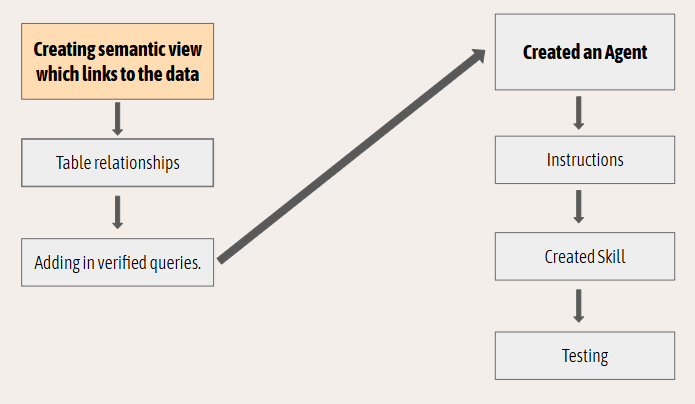
To start with you can create a semantic view within Analyst in the Cortex AI tab. A semantic view is a translation layer between database schemas and the AI model. Instead of exposing physical tables and obscure column names directly to the agent, the semantic view allows us to defines data in appropriate terms to help the agent better interpret our data.
We can do this by adding descriptions to data tables and fields. For example, adding a description to a table for what it contains, what a row represents and what the keys are can all be done using natural language within the semantic models .yaml file.
The semantic view specifies logical tables, metrics, dimensions, and descriptions. This structured context restricts the LLM's operational space, ensuring it generates SQL based on the logic you decide rather than probabilistic guessing.
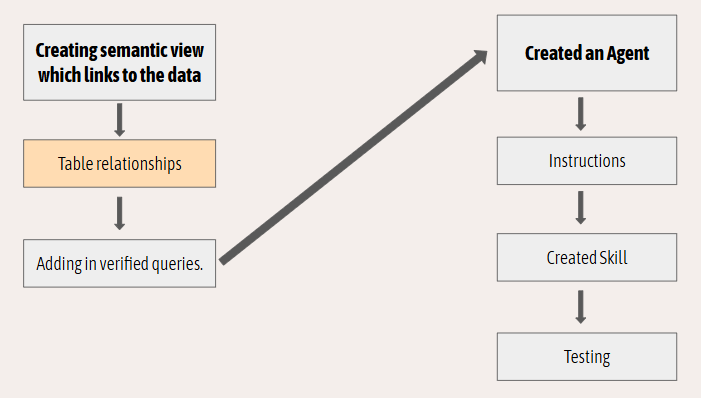
Table relationships are also defined within the semantic view. I'd recommend doing these manually in order to avoid errors and warnings with more complex datasets.
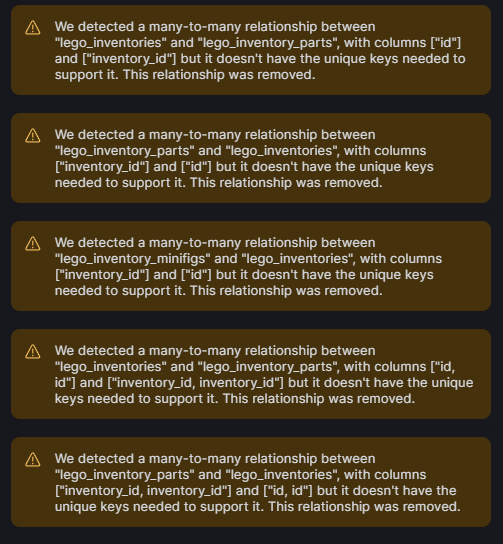
Another interesting feature is that if you have not correctly defined the keys in your tables the semantic view will automatically remove these relationships.
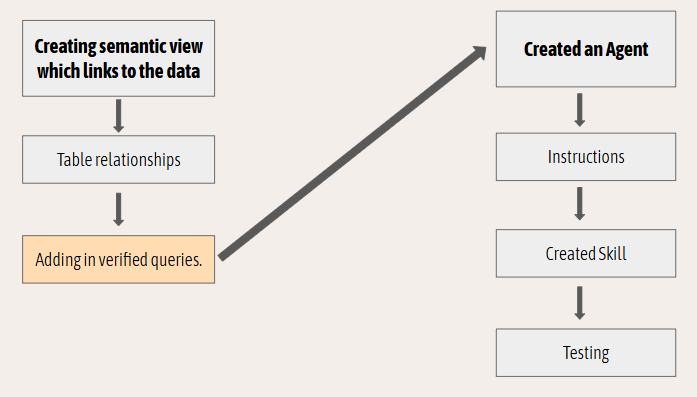
A verified query (VQR) is a tested SQL statement paired with the natural language question it answer. It is best practice to build a library of as many of these as possible to improve model accuracy and reduce latency.
When a user submits a complex prompt, the agent searches the VQRs for similar patterns and uses the verified SQL as a blueprint. This is critical for enforcing specific calculations that cannot be easily inferred from the schema alone and also reducing the thinking time of the model.
They are also a useful place to query that all your relationships are working correctly and the SQL is returning correct outputs.
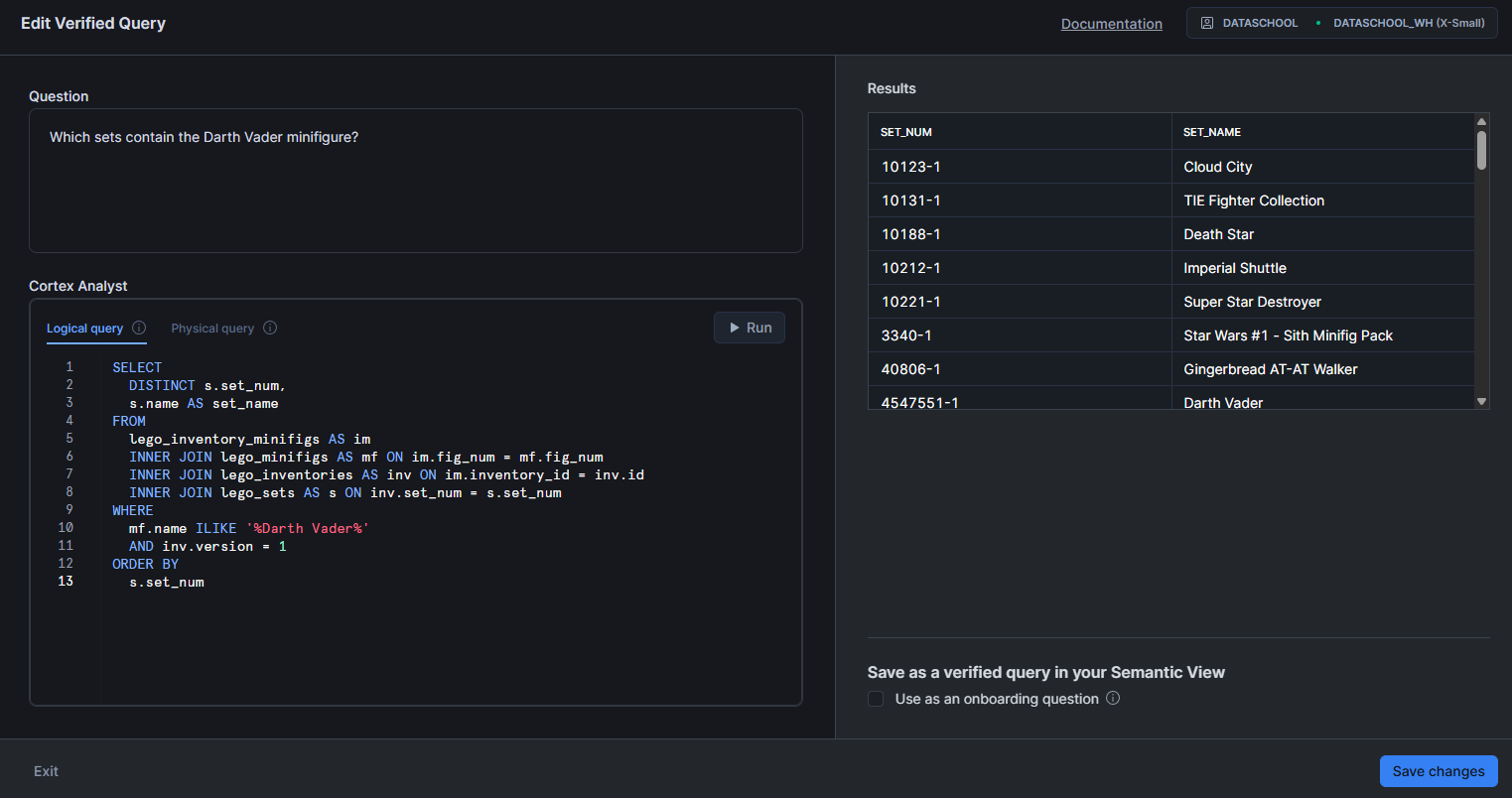
Here is an example of one the VQRs I ended up using for my view.
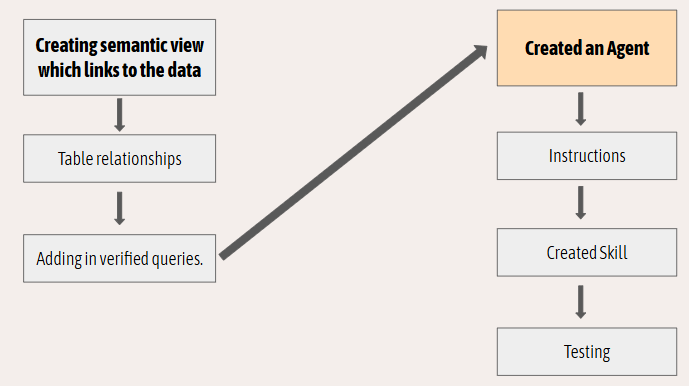
We're now moving onto the agent section of this process which can be found within the Agent part of the Cortex AI tab.
Within Snowflake, the agent acts as the layer that combines our semantic view, instructions and skills together to reliably answer questions of our data in the format we curate.
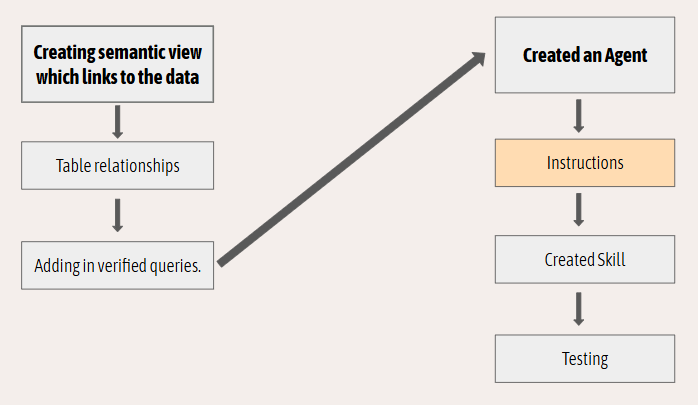
Instructions form the system prompt that dictates the agent's operational boundaries and behaviour. These rules define the agent's persona, set guardrails for what questions it is allowed to answer, dictate output formatting, and specify how it should handle ambiguity or missing data. Strict instructions prevent the agent from executing unauthorized tasks or providing out-of-scope responses.
Instructions are broken down into orchestration and response. Orchestration instructions define how an agent should reason in order to solve questions whereas response instructions define how the agents final output back to the user is given.
In my case I used the orchestration instructions to describe the agents purpose and use case how it should use the skill I built and to not answer questions unelated to its role. For the response instructions, I used these to tweak and optimise the output such that it was concise, direct and followed quirks in the data to deliver correct answers.
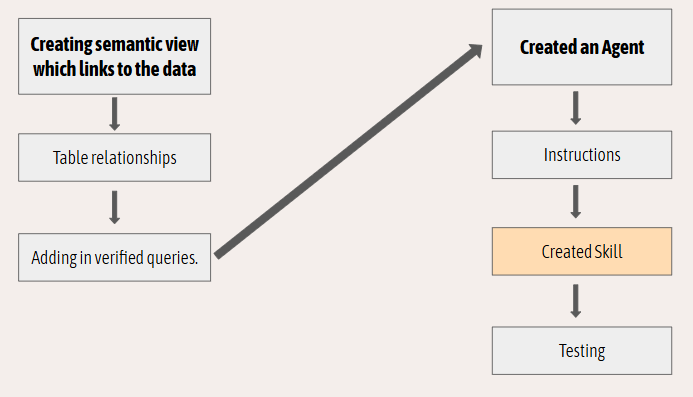
Skills are the executable tools or functions the agent can invoke to complete a user request. In the context of Snowflake Cortex, a fundamental skill is the ability to query the semantic model. Additional custom skills can be configured, such as invoking a specific Snowflake stored procedure, calling an external API, or triggering an automated data pipeline based on the user's prompt.
A skills purpose is to allow an agent to invoke a detailed predetermined set of actions that it may have to repeat numerous times.
Compared to instructions which are broad and affect every prompt, skills allow for highly detailed directions for specific tasks.
For my use case skills were a perfect way to outline the solution solving flow of answering customers questions.
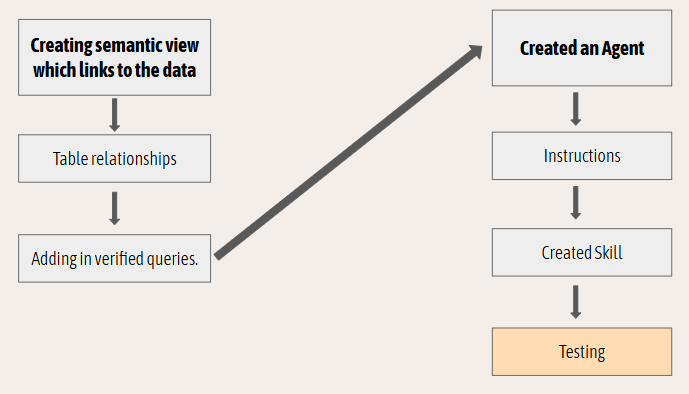
Building the semantic view and configuring the agent's baseline skills is just the foundation. The final step is rigorous validation. Moving forward, the focus shifts to thoroughly testing the agent, expanding the VQR library, and continuously fine-tuning instructions and skill to optimise performance.