


If you have ever dealt with data before, you have most likely encountered dirty data, and you might not have even noticed it! Dirty data can lead to several issues when trying to interpret results, so here is a guide on how to spot it and how you can deal with it.
What is Dirty Data?
Dirty data refers to any information that is inaccurate or incomplete, making it unreliable for analysis.
This includes:
- Out of date data
- Formatting errors (01/05/2026 vs. May 1st, 2026)
- Missing values
- Missing headers
- Records being split across multiple rows
- Misspelling
- Multiple data points being pushed into a single field
Nulls vs. Missing Data
Nulls are simply values that do not exist. Missing data are values that you would expect to exist but are not in the data set. Knowing whether values are missing or null is very important and should always be investigated to prevent dirty data.
How Do We Deal with Dirty Data?
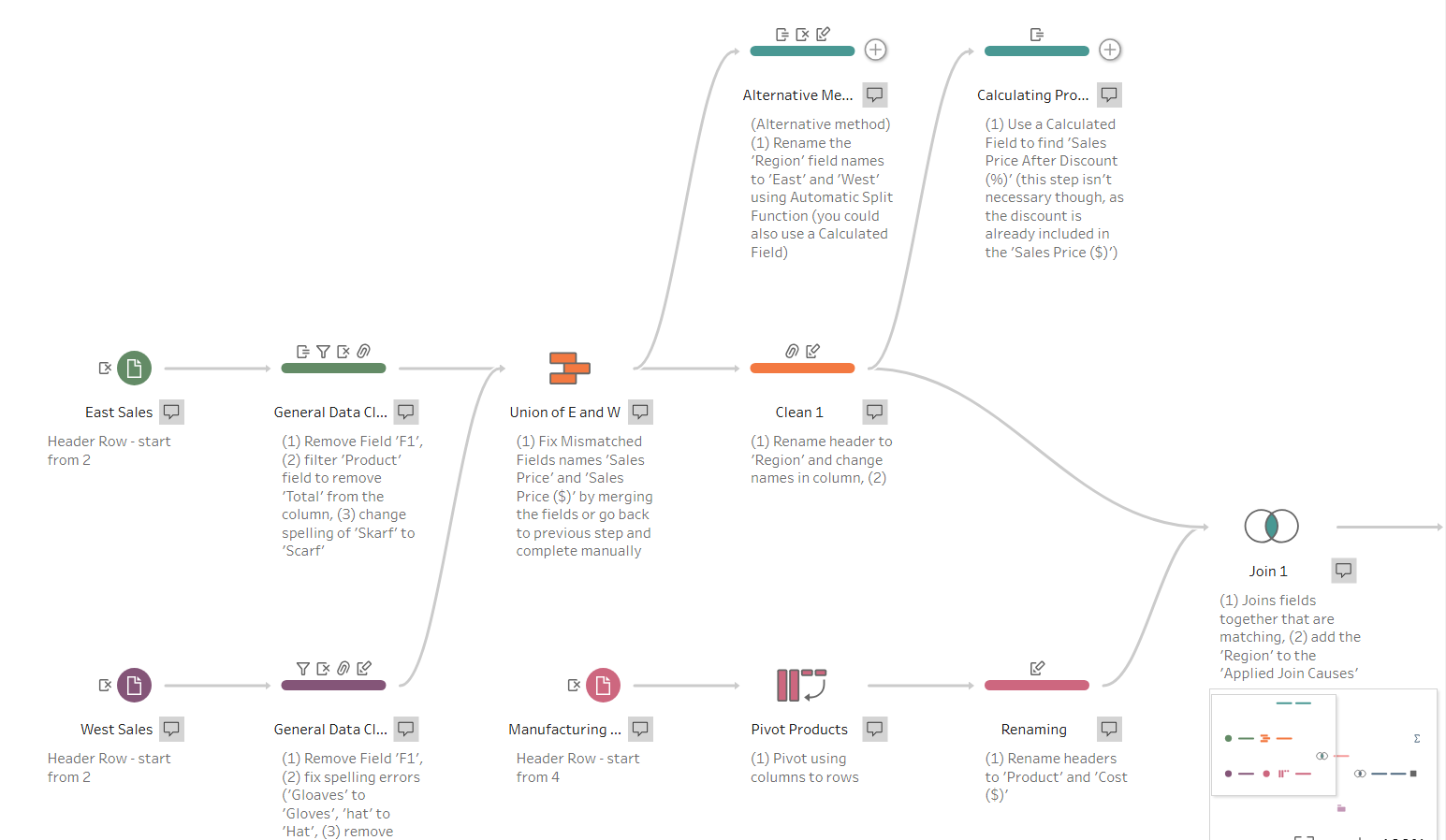
Dirty data can be cleaned in several different tools (like Power Query and R) but my personal favourite is Tableau Prep!
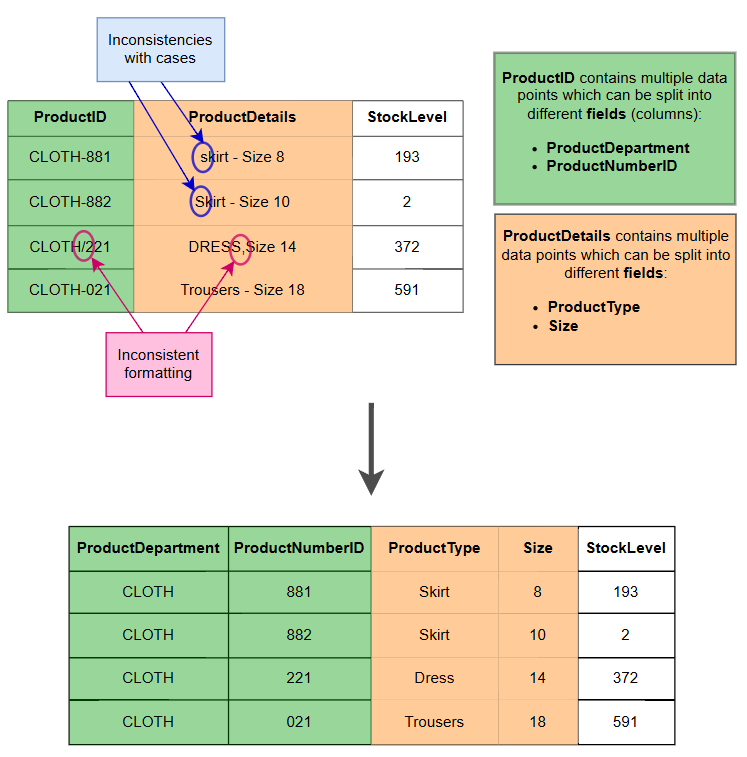
Here is an example of what dirty data can look like and how we would want it to look after cleaning.
What do we have to do to clean some dirty data?
- Rename headers
- Aim: name the data field a clear and descriptive name
- Common issues: be aware that some databases do not accept spaces in header names (we can use an underscore '_' or eliminate the space (see diagram below))
- Split columns/form new data fields
- Aim: create a data field with a single data type and category
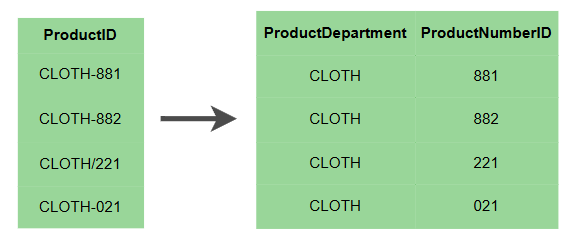
- In the diagram below, we have split 'ProductID' into two fields 'ProductDepartment' and 'ProductNumberID', as the field 'ProductID' contains two pieces of information, whereas we always want one field to contain one single data type (Department or Number ID)
- Filter
- Aim: only keep accurate and necessary data
- Common issues: filtering data can eliminate important information for other users (just because you don't need to consider specific fields or records, it doesn't mean that another user won't need to look at this information!)
- Remove spelling/formatting mistakes
- Aim: create a set of values that are correct
Now you (hopefully) know how to spot dirty data and how to deal with it effectively!
Thank you for reading my second blog, I hope you enjoyed!