


Plotting London bus routes and the boroughs they travel through in Alteryx
This blog will go through step by step how to take Longitude and Latitude values that have a sequence (London bus stops) and use them to plot routes in Alteryx.
It will then show you how to see what areas these routes cross into and touch (boroughs)
The data I am starting with is London bus stop data. This data consists of the route code (bus number), the longitude and latitude of the bus stops,the sequence they go in and the name of the stop.
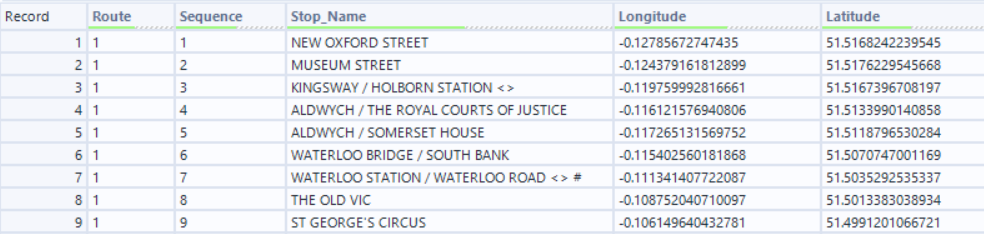
The first step is to bring this into Alteryx using an Input Data tool.
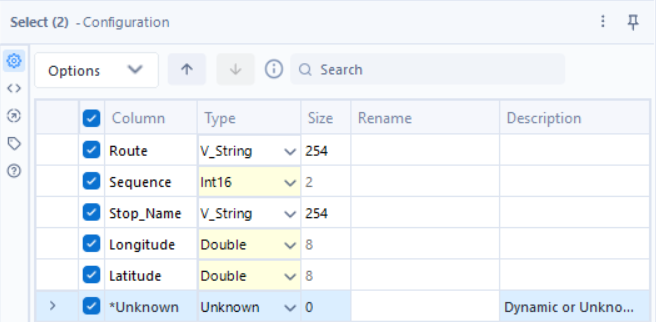
Currently all of the data has been read into Alteryx as v_strings. This is due to the data coming from a .csv file. To correct this, I brought in a Select tool to correct these data types.
The next step is to take the longitudes and latitudes in the data, and convert them into spatial points. This is done using the Create Points tool.
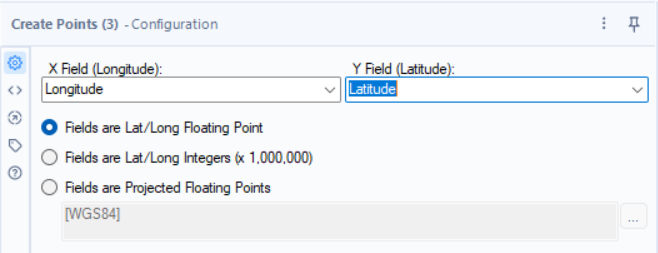

The Create Points tool generates a spatial object field that you can use a browse tool to view.
A shortcut for adding Browse tools after a selected tool is to click on the tool you want to add the Browse too and press ctrl+shft+B. This will add as many Browse tools as there are outputs to the tool.
We can then run the flow.
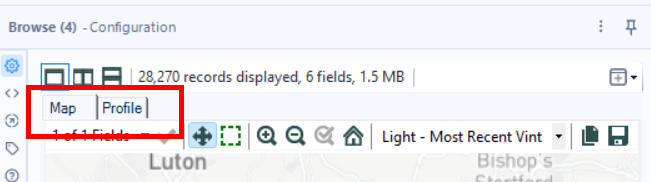
Selecting Map in the browse tool configuration window allows you to view the points on the map.
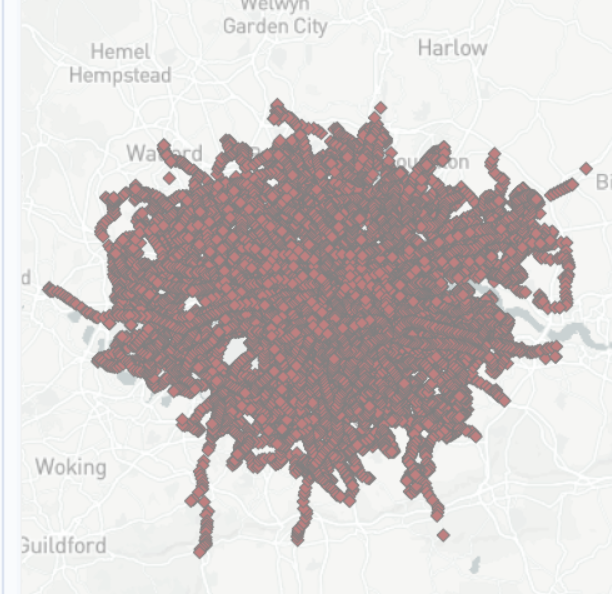
This is what the points look like when plotted on a map.
The next step is to use the Poly-Build tool in order to connect the points for each route.
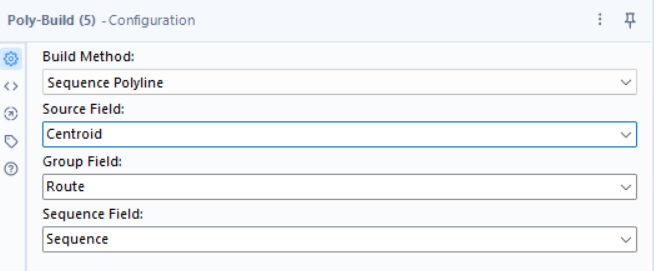
Configure the Poly-Build as shown. It uses the spatial object field (centroid) as the points to be connected. The group field is used to group the points into the different routes before connecting them. The sequence field is used to determine the sequence that the lines will be connected in.
Once the Poly-Build tool has been configured we can add a Browse tool (ctrl+shft+B) to view the lines on a map.
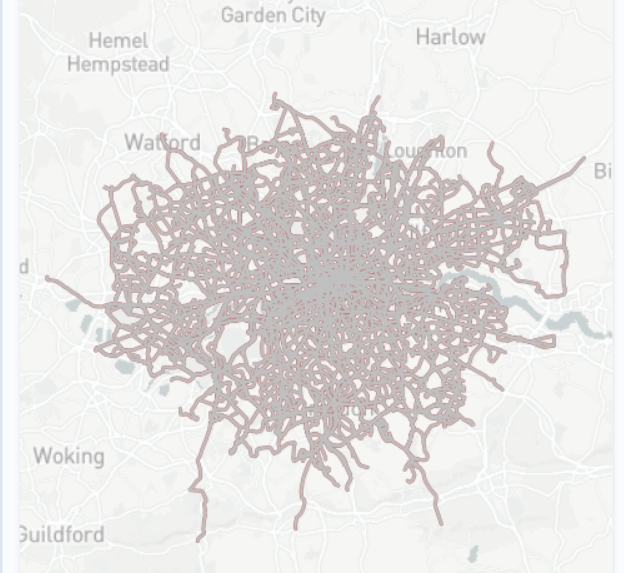
This is what the bus routes in London look like on a map.
Another thing we can do with spatial tools in Alteryx is find the length of the lines and therefore the length of the bus routes.
Using the Spatial Info tool we can extract information about a spatial object.
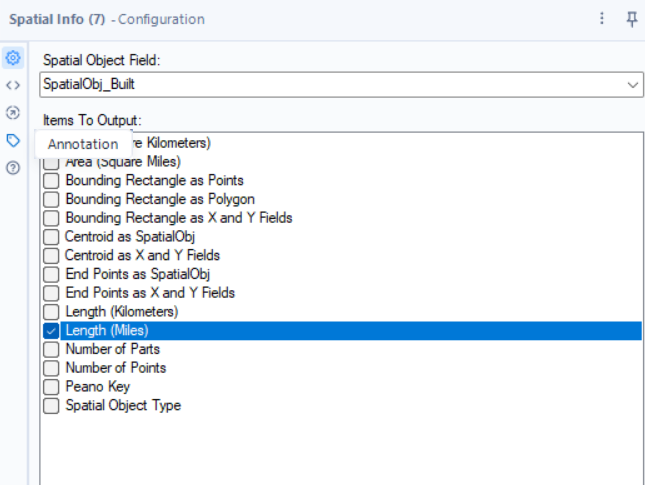
We can select the spatial object created by the Poly-Build and output the length in miles.
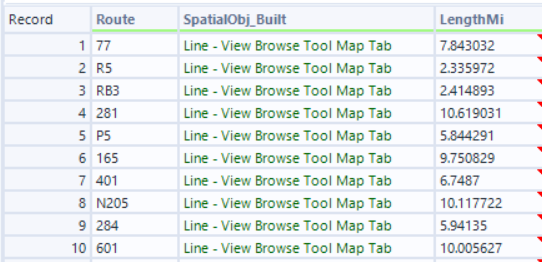
The output of the Spatial Info tool is the length of each bus route in miles.
We can sort this data using a sort tool to determine the longest London bus route.
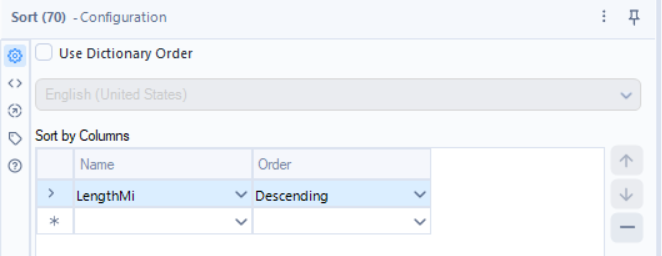

The N199 route is the longest London bus route at 21.02 miles long.
The next section will show how to see what bus routes are in what boroughs.
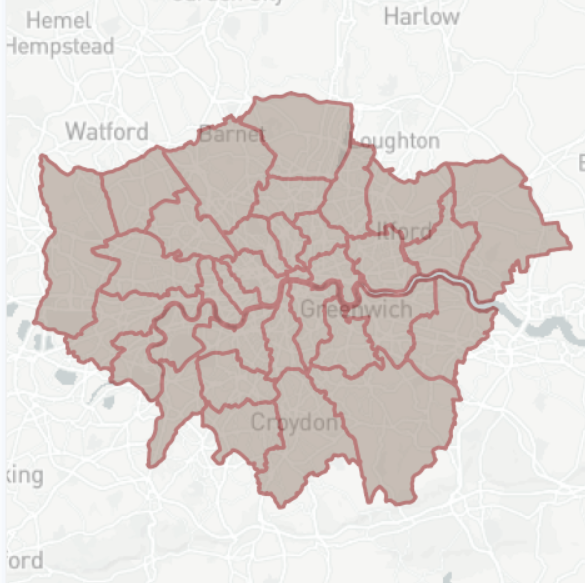
The data I have for the London boroughs has the borough name and a spatial object in the form of a polygon for the outline of the boroughs.

Looking at this data using a Browse tool we can see the different boroughs in London.
In order to see what bus routes are in what boroughs, we have to bring this data in into the existing bus route workflow using an input tool.
The next step is to use a Spatial Match tool to combine these spatial objects.
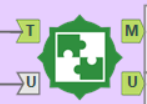
The Spatial match tool in Alteryx has 2 inputs and 2 outputs.
Inputs:
Target (T) input is the dataset of spatial objects you are testing to find relationships with another dataset, while the Universe (U) is the larger dataset or container (like polygons) that the targets are checked against.
Outputs:
Matched (M) for targets found in the universe, and Unmatched (U) for targets with no spatial link.
In our case, the Universe (U) is the borough polygons and the bus routes are the Targets (T).
Connecting the bus routes data to T and the borough data to U allows us to move onto the next step of configuring the Spatial Match
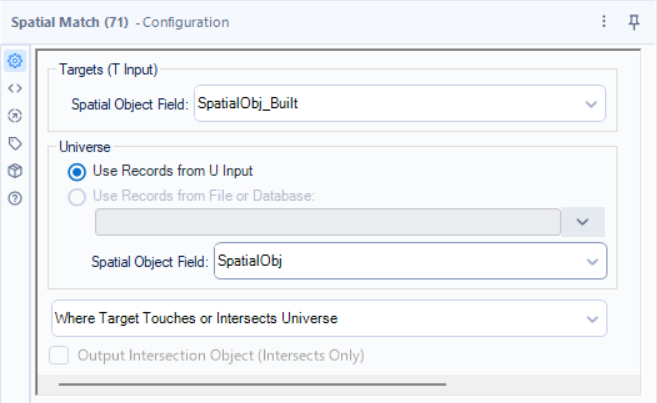
In this case we have configured the Spatial Match tool to output the values to the Match output if the Targets (bus routes) touch or intersect the Universe (boroughs).
Adding the browse tools allows us to view what has matched and what hasn't.
Matched Output:
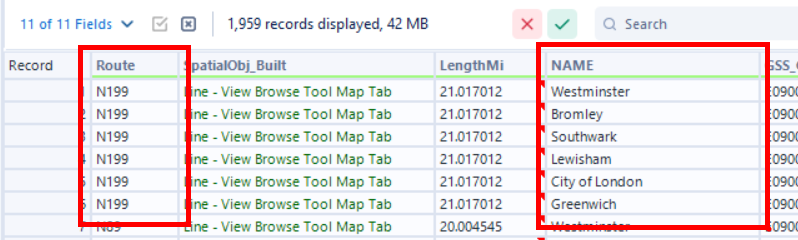
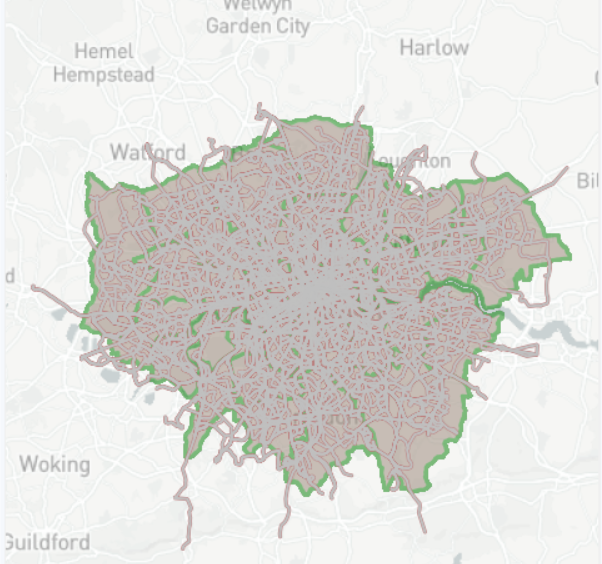
We can see all of the boroughs that each bus route crosses through.
Unmatched Output:
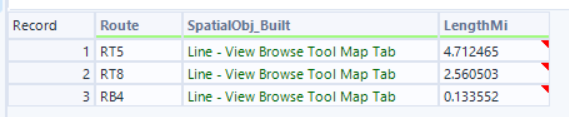
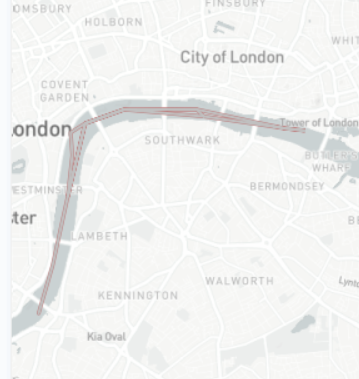
The values in the unmatched output are the TFL boat busses. These travel along the Thames and in my borough data, the Thames is not included in any borough hence them being in the Unmatched output.